
Insights
Stop Scanning Random QR Codes: Quishing Is the New Phishing
QR codes are everywhere, and that convenience is exactly why attackers love them. Quishing (QR-code phishing) is surging. Here's how to spot it and what to do instead.
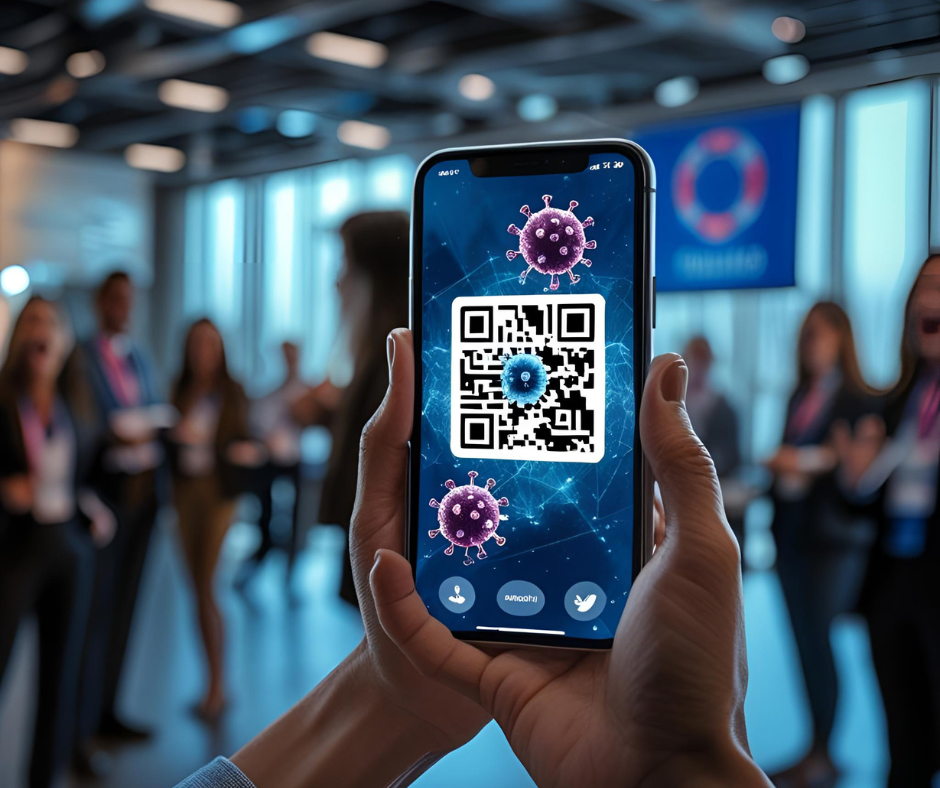
QR codes are everywhere, from menus and event tickets to parcel lockers and "special offers." That convenience is exactly why attackers love them.
Scanning a QR code at a conference may seem innocent...
Attackers send around 2.7 million QR-code emails every day and security telemetry logged 1.7M+ unique malicious QR codes in a six-month window (Oct 2024–Mar 2025). About 1 in 4 recent phishing attacks hid a QR code inside a PDF.
Why quishing works
- You can't "read" a QR code with your eyes. The destination hides until you scan.
- People trust codes more than links. Marketing has trained us to expect QR codes everywhere.
- Speed + mobile = less caution. Scans auto-open on small screens with less context.
- And it's prolific: millions of QR-code emails hit inboxes daily.
What we're seeing
Attackers increasingly embed QR codes inside PDF/XLSX attachments (bypassing simple link filters). Roughly 25% of recent phish used this "QR-in-PDF" trick.
Common lures: "MFA expiring," "sign this DocuSign," "view secure document," or "urgent billing/update."
How to spot a risky QR code (and what to do instead)
Red flags
- A QR code in an unexpected email or PDF, especially about accounts, billing, MFA, or document signing.
- Codes on stickers covering parking meters, posters, menus, or public signage.
- A link preview that's shortened or doesn't match the brand you expected.
Safer behaviours
- Type the address yourself (e.g., portal.microsoft.com, docusign.com) or use bookmarks.
- If you must scan, preview the URL first (press-and-hold on mobile). If it's shortened or odd, don't open.
- Only scan setup/MFA codes from official, logged-in pages, never from an email attachment.
Copy-paste policy snippet (for your team)
Company Rule on QR Codes
- Do not scan QR codes from emails, PDFs, SMS, or social DMs to access company resources.
- For signing, billing, MFA, and file access, navigate via saved bookmarks or type the official URL.
- Report suspicious QR codes (email or physical) to IT/Security with a screenshot/photo. If you scanned one by mistake, follow the steps below immediately.
"I already scanned it, now what?"
- Don't enter credentials. If you did, change the password now and sign out of all sessions; reset MFA if prompted.
- Close the page and uninstall any profile/app you didn't intend to install.
- Run an AV/malware scan on the device.
- Report it to IT/Security with a screenshot of the code or link preview.
Guidance for IT & Security
- Email security: Flag/quarantine messages with QR codes in attachments (PDF/XLSX) and common impersonation terms (MFA, DocuSign, invoice).
- Shortener controls: Block URL shorteners at the proxy/secure web gateway.
- Mobile controls: Via MDM/UEM, disable auto-open after scan and enforce safe browsing on managed devices.
- Conditional Access: Require MFA + device compliance; use sign-in risk policies.
- Training: Add QR scenarios (including physical-world posters/parking meters) to phishing simulations.
- IR playbooks: Include quishing steps (password reset, token revocation, device scan, SIEM search for lookalike domains).
The bottom line
Treat QR codes like blind links. If you wouldn't click a mystery link, don't scan a mystery code, especially for logins, payments, or "secure documents."
Need help? Book a quick Cyber Health Conversation to find out how ORCA Opti can help harden your information security.